Introducing HFSViewer
View and modify HFS partitions on modern macOS versions
Last year my roommate and I found an old original iMac G3 outside our apartment building. It has some interesting early 2000s/late 90s style websites and files on it that I want to preserve (and hope to share here soon!).
But I realized getting files off of it wouldn't be easy.
The machine is running macOS 9.2, which supports USB 1.0. We're up to USB 4 now, so thats pretty old; none of my modern USB 3 devices were detected by it. After some research I found that macOS 9.2 does have USB support, but it can't always negotiate USB 3 speeds or support larger USBs. So I went and bought this $5 stick and it worked like a charm.
With that solved and the files copied over, I plugged it into my M4 laptop and... it wasn't recognized there either. No error or mounting occurred due to no driver support. Eventually I found hfsutils, a wonderful package (which is convienently accessible from homebrew), but its a bit antiquated and just a CLI.
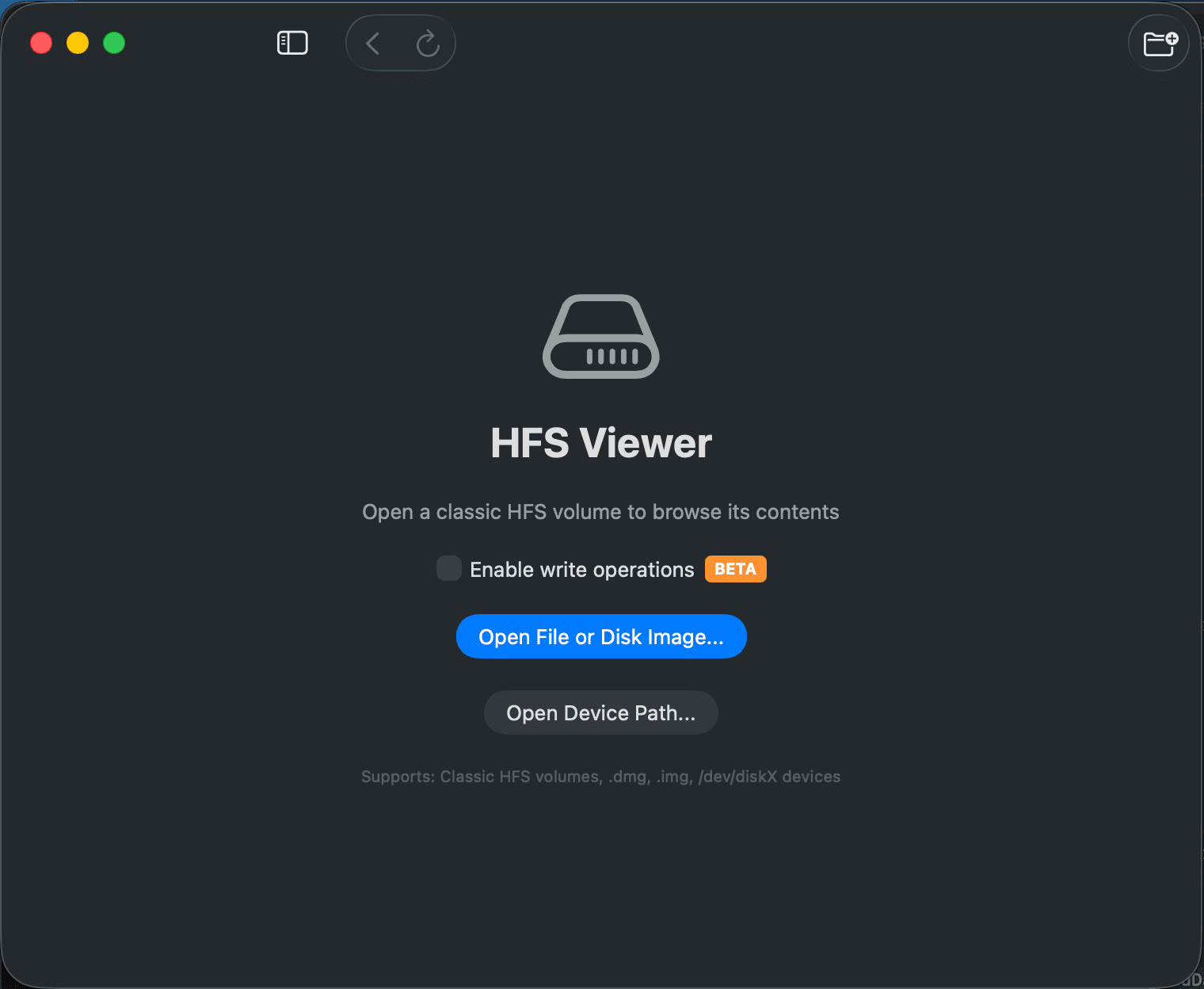
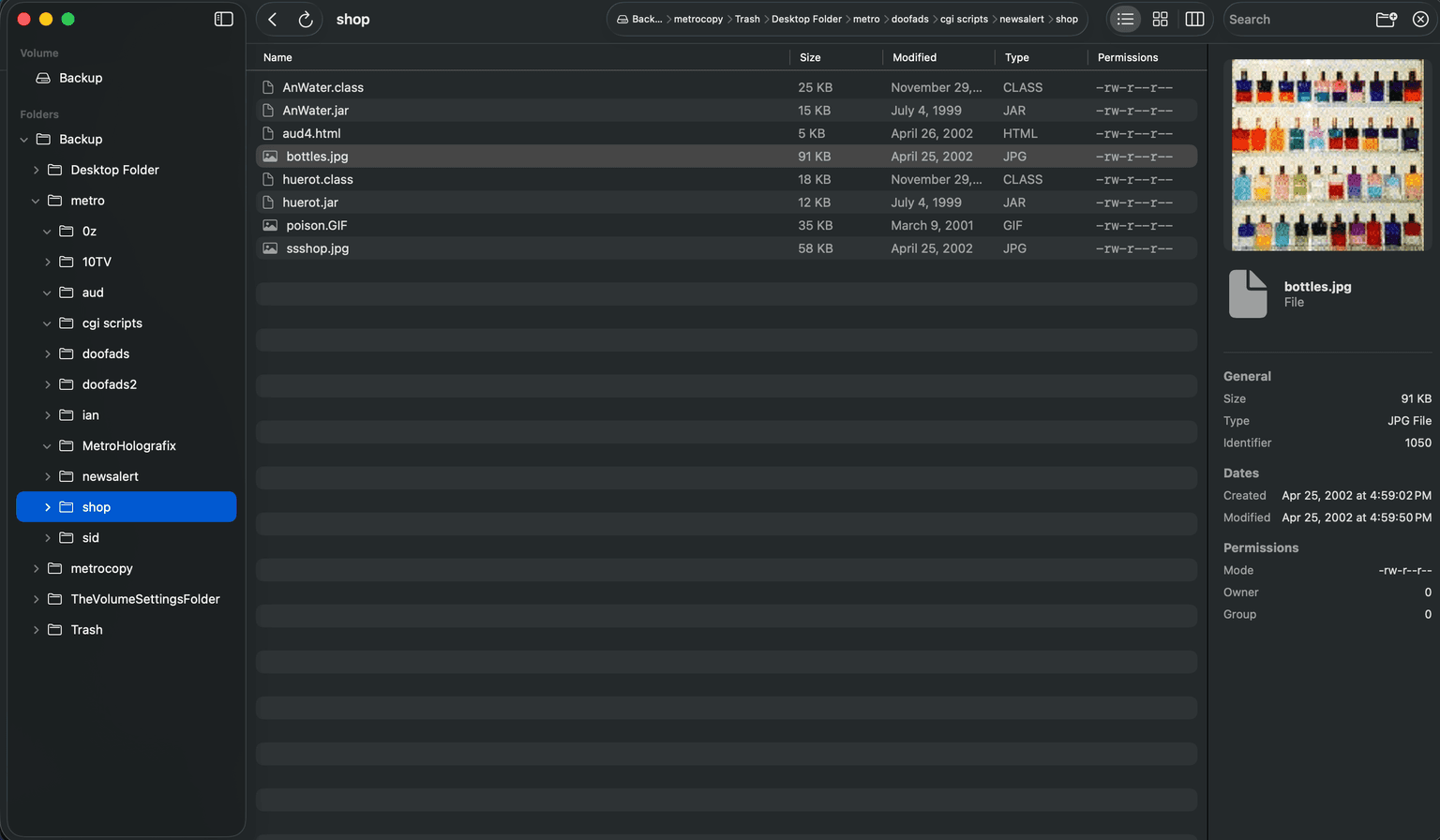
Using Claude Code and the library behind hfsutils "I" made a small Swift UI app for browsing and lightly manipulating HFS drives/volumes.
You can find the source code / a binary on GitHub.
Here are some screenshots: